React Native - 样式
在 React Native 中,有几种方式来为元素添加样式。
您可以使用 style 属性来内联添加样式。然而,这不是最佳实践,因为代码可读性较差。
在本章中,我们将使用 StyleSheet 来进行样式设置。
容器组件
在本节中,我们将简化上一章中的容器组件。
App.js
import React from 'react';
import { StyleSheet, Text, View } from 'react-native';
import PresentationalComponent from './PresentationalComponent'

export default class App extends React.Component {
   state = {
      myState: 'This is my state'
   }
   render() {
      return (
         <View>
            <PresentationalComponent myState = {this.state.myState}/>
         </View>
      );
   }
}
展示组件
在下面的示例中,我们将导入 StyleSheet。在文件底部,我们将创建样式表并将其赋值给 styles 常量。请注意,我们的样式使用 camelCase 格式,并且不使用 px 或 % 来设置样式。
要为文本应用样式,我们需要在 Text 元素上添加 style = {styles.myText} 属性。
PresentationalComponent.js
import React, { Component } from 'react'
import { Text, View, StyleSheet } from 'react-native'

const PresentationalComponent = (props) => {
   return (
      <View>
         <Text style = {styles.myState}>
            {props.myState}
         </Text>
      </View>
   )
}
export default PresentationalComponent

const styles = StyleSheet.create ({
   myState: {
      marginTop: 20,
      textAlign: 'center',
      color: 'blue',
      fontWeight: 'bold',
      fontSize: 20
   }
})
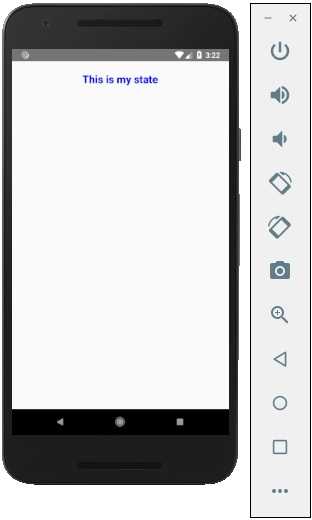
运行应用时,我们将看到以下输出。